

Cosmos Darkroom
Astrophoto processing, made simple.
Reveal what
you captured.
You spent the night photographing the sky. Now enjoy your images: Cosmos Darkroom processes your stacked file, then lets you fine-tune the result to your taste.
3 free credits to start · Nothing to install
Explore the result
Details make the difference.
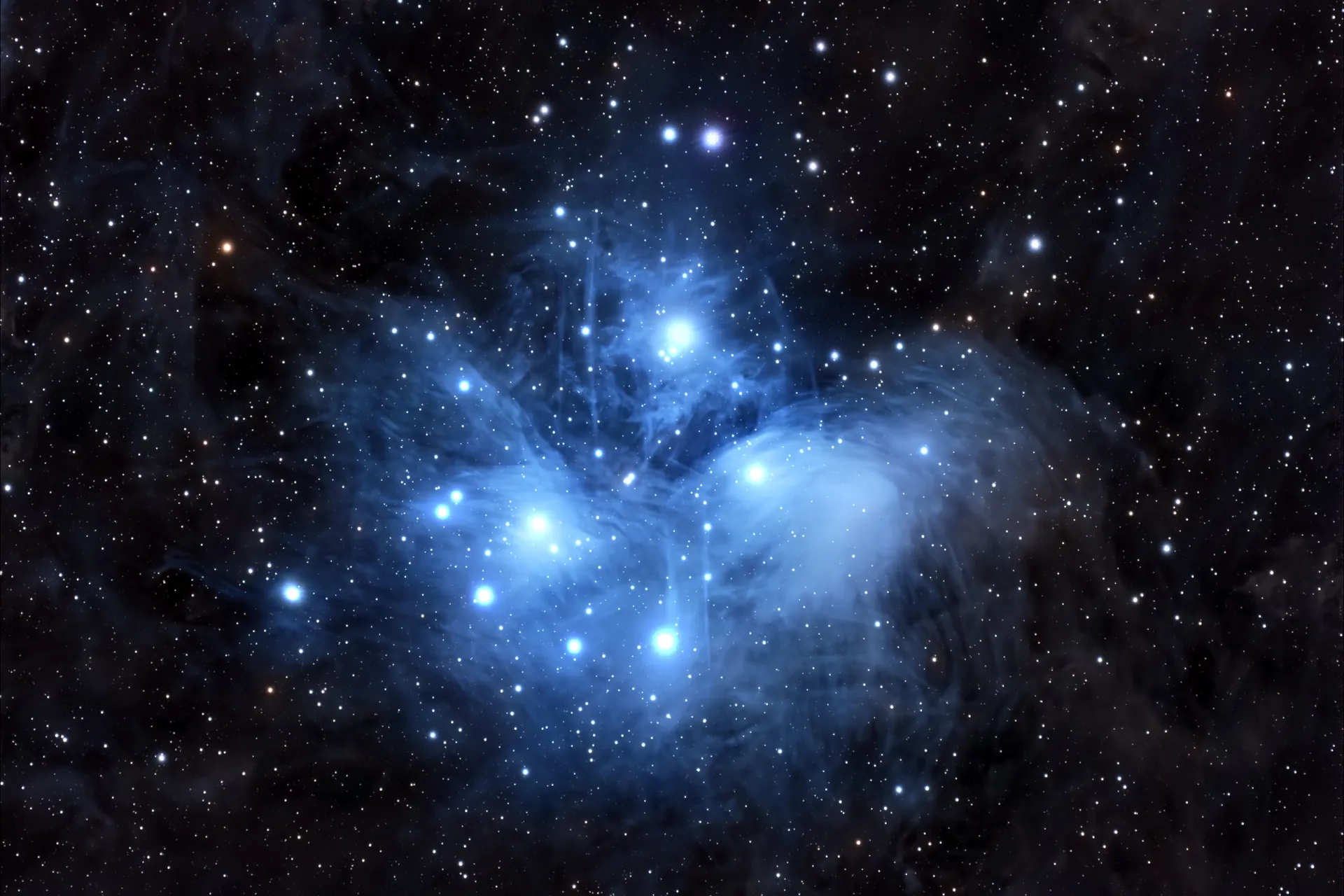
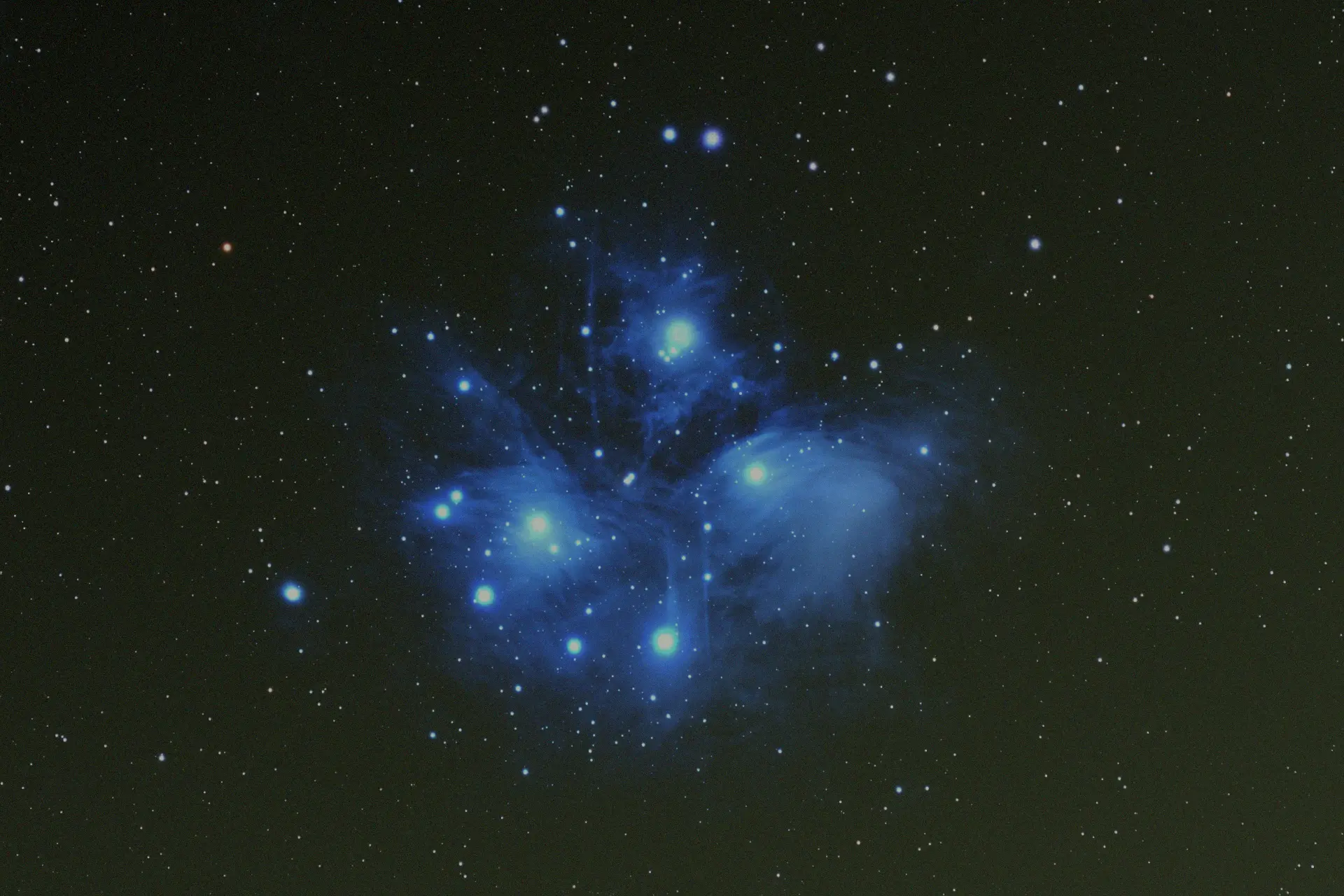
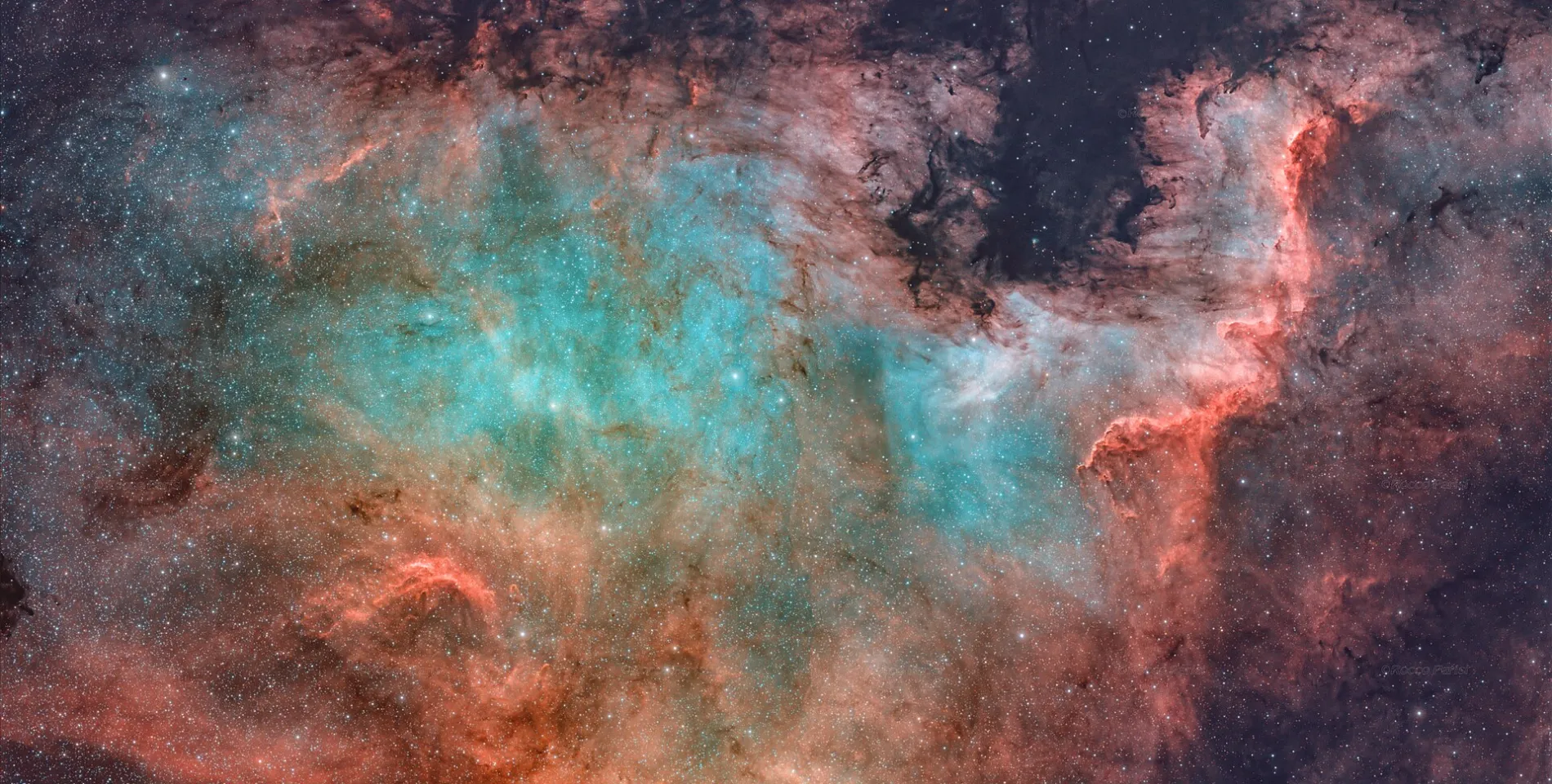
Explore the image and take in its nuances. Drag the divider to compare both previews.
How it works
Your photo. Three steps.
You don't need to master everything to get started. Upload your image, let Cosmos prepare the result, then take your time to fine-tune it.
Upload your image
Drop your stacked file in FITS or TIFF format. PNG and JPEG are accepted too.
Let Cosmos process it
Sky background, noise, stars, colours: Cosmos handles the processing steps on its servers, in about two minutes.
Adjust and export
Refine light and colour, crop if needed, then export your photo as 16-bit TIFF, PNG or JPEG.
See the processing steps
To go further, here are the steps that make up the processing. Cosmos runs them for you, in order: there is nothing to set.
Sky background
- 01Background modellingEstimate variations in the sky background.
- 02Gradient removalReduce unwanted brightness variations.
- 03Background neutralisationBalance the tint of the sky background.
Analysis and separation
- 04Photometric calibrationCalibrate colours against photometric references.
- 05Noise estimationAssess the noise in the image.
- 06Star detectionLocate the stars in the image.
- 07Star separationIsolate the stars from the background and nebulosity.
Light and detail
- 08DeconvolutionWork on how details are rendered.
- 09HDR stretchBring out the information present in the data.
- 10Colour adjustmentBalance the colours of the result.
- 11Chromatic noise reductionSoften unwanted colour variations.
- 12SCUNet denoisingApply the pipeline's noise-reduction step.
Recomposition and export
- 13Star restorationPut the stars back into the image.
- 14Final compositionBring the layers together.
- 15Cosmetic clean-upFix the supported spot defects.
- 16ExportPrepare the result in the available formats.
Star control
Adjust the stars. Make the nebula stand out.
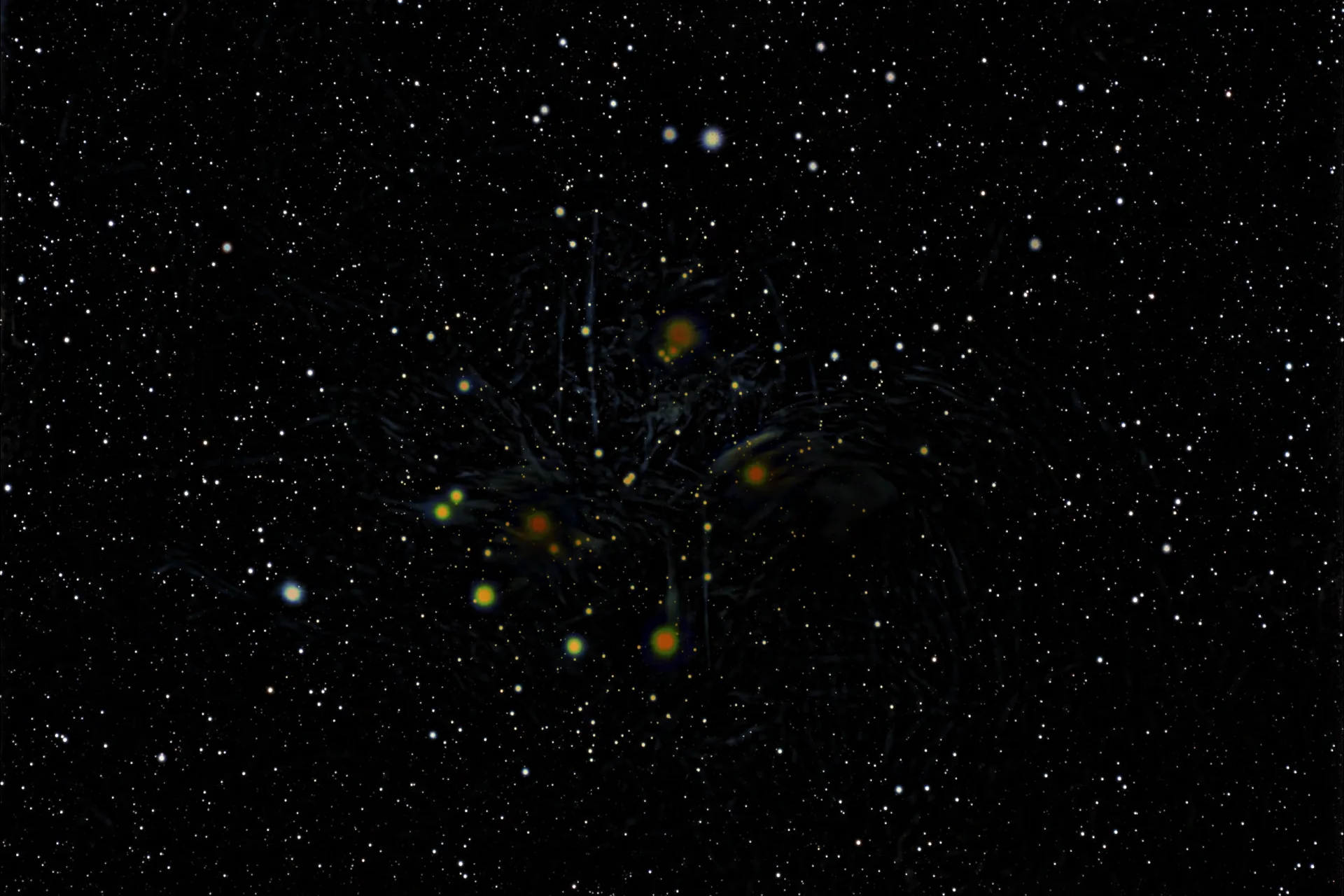
Stars and nebulosity don't always call for the same settings. By separating them, Cosmos lets you work on each independently, then bring the layers back together in the final image.
- The final image — layers combined
- The stars — independent control
- The sky background — nebulosity and its detail
Your personal touch
Processing is automatic. The look stays yours.
Prefer a softer image, richer colours or stronger contrast? Adjust the result in the editor and see the change instantly.
Exposure, curves, colour, cropping: take your time to find the look you love.
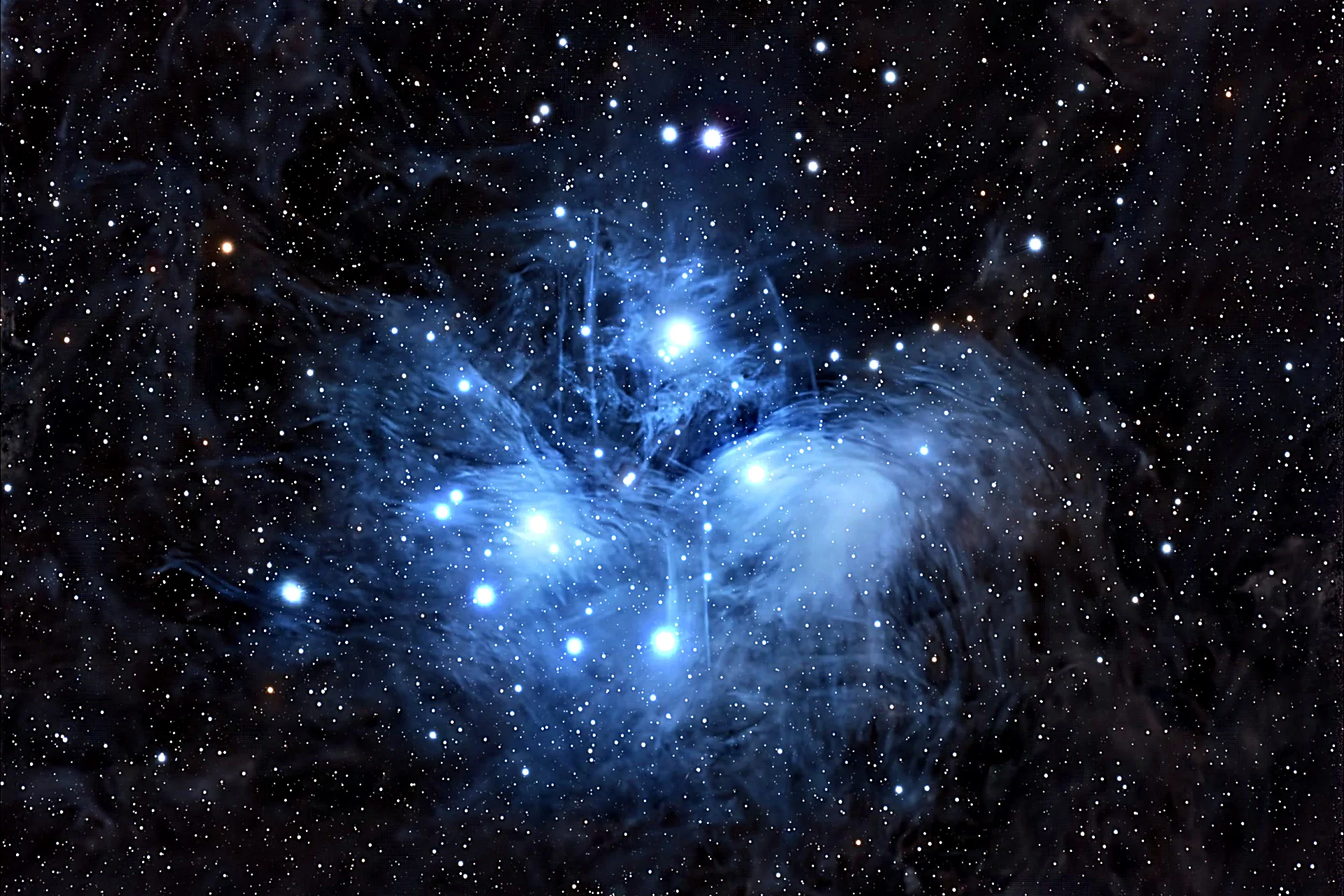
Share your discoveries
Your images deserve to be shared.
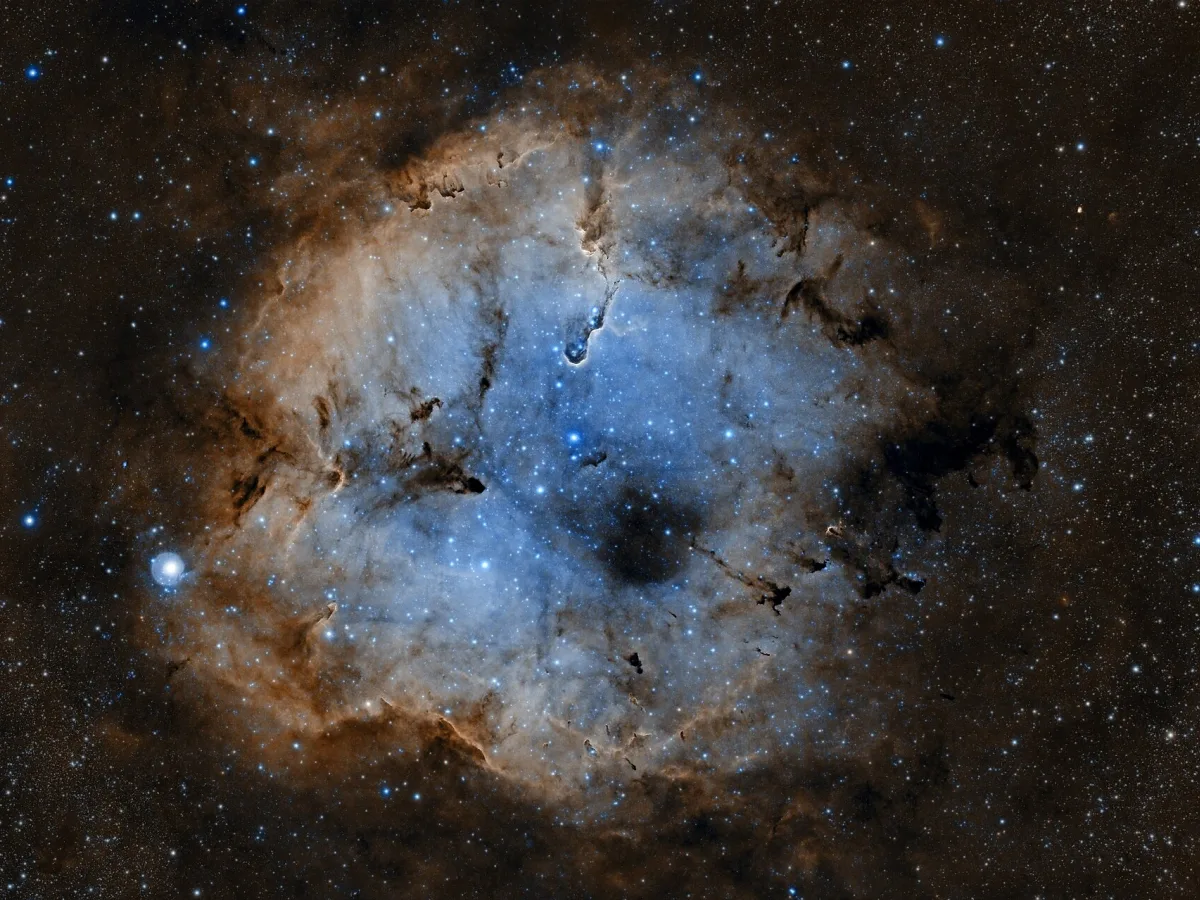
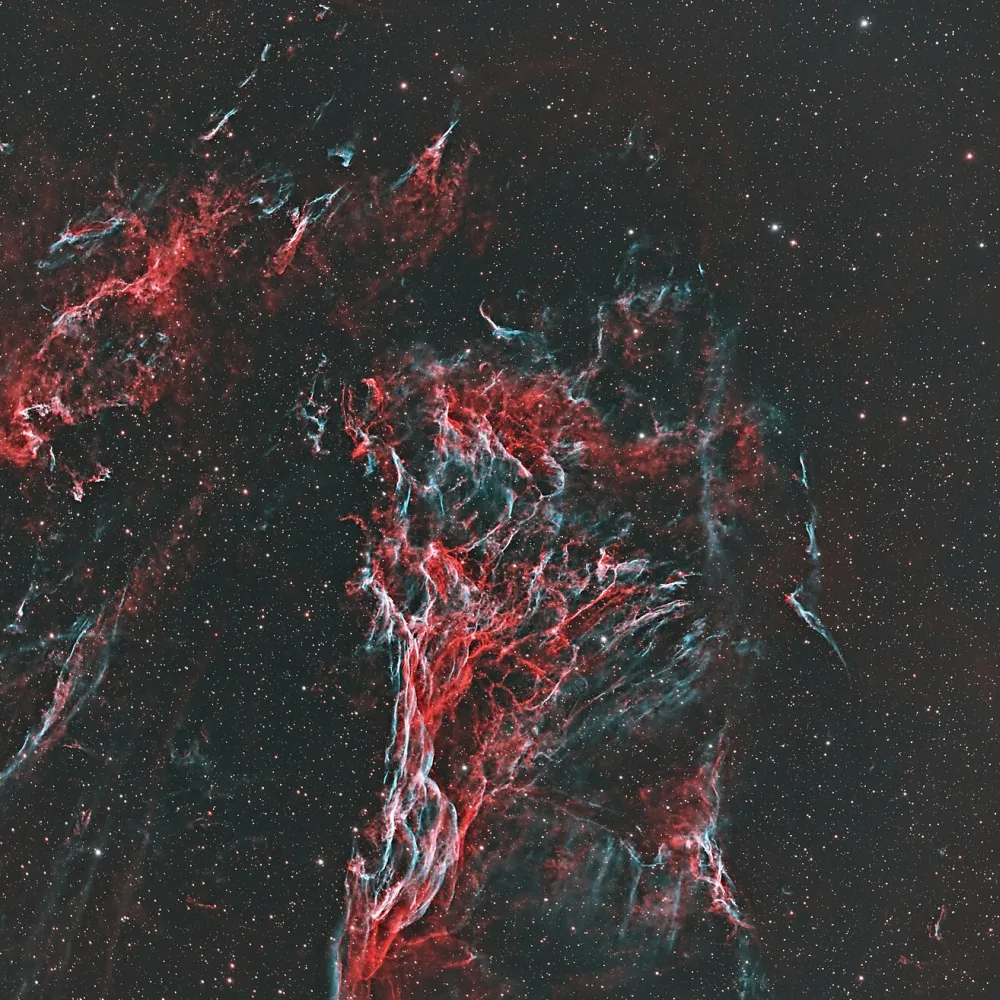
A nebula you'd been waiting for, a galaxy finally captured, your first successful image… Share your photos in the Cosmos gallery and see what other astrophotographers have observed.
Explore the gallery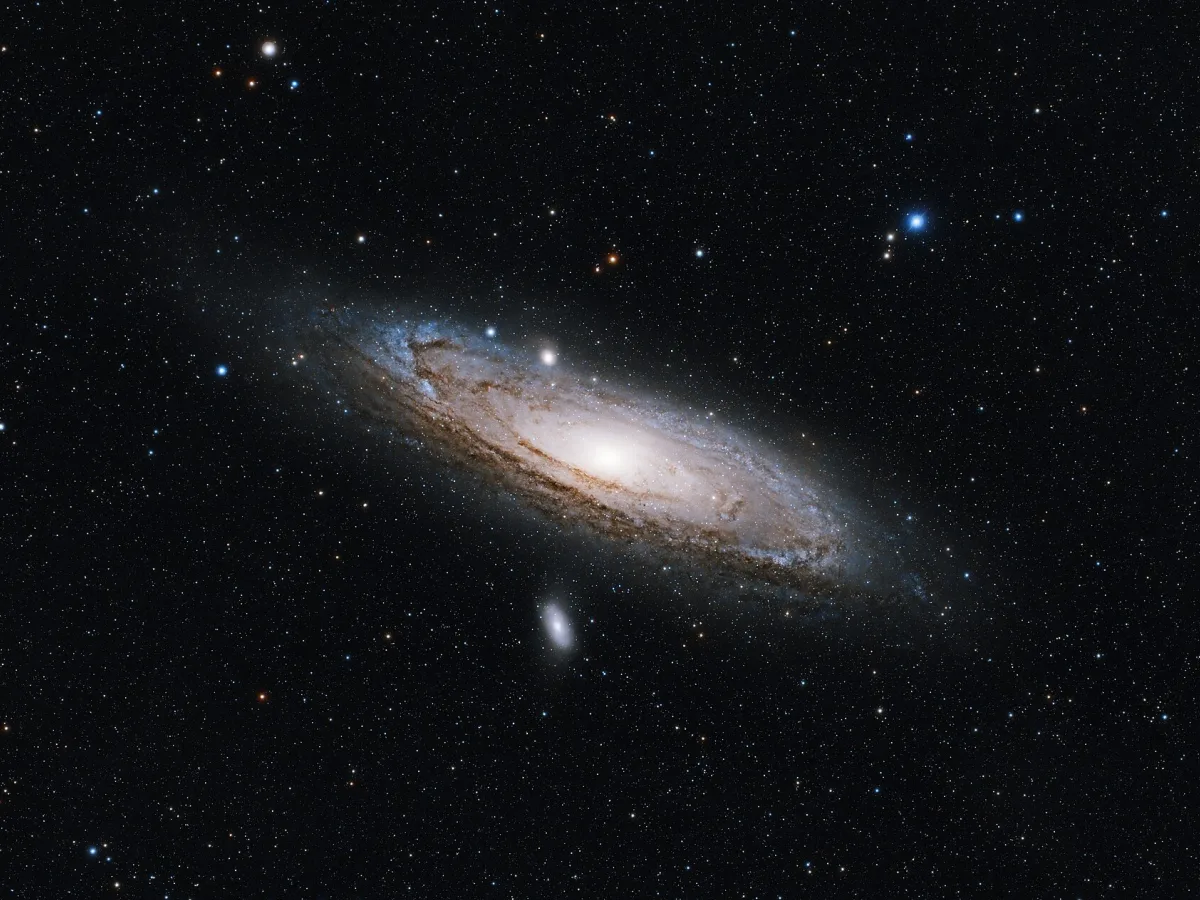
Your next session
Plan your next night.
What will be well placed in the sky tonight? Find targets to photograph based on your location, the date and your telescope, then check their visibility to prepare your session.
Find what to photographYour equipment
Processing tailored to your gear.
Shooting with a smart telescope, a Newtonian, a refractor or a Schmidt-Cassegrain? Pick the profile that matches your equipment to adapt the processing.
Profiles include Seestar, DWARFLAB and Vaonis equipment.
Choose your plan
Start with one image. Choose afterwards.
Try Cosmos with the free credits. If it suits you, pick a plan that matches your pace and your upcoming sessions.
Free
Discover Cosmos with your own images.
€0
- 3 images to start
- 3 animations to start
- JPEG, PNG and TIFF export
- No watermark
- Standard queue
Hobby
Enjoy processing your photos on a regular basis.
€9 / month
- 30 images per month
- 30 animations per month
- JPEG, PNG and TIFF export
- No watermark
- Standard queue
- E-mail support
Pro
For frequent sessions and back-to-back projects.
€19 / month
- 100 images per month
- 100 animations per month
- JPEG, PNG and TIFF export
- No watermark
- Priority queue and support
- Early access to new features
Every plan gives access to the full processing. Prices in EUR, VAT may apply. If a result doesn't suit you, a credit can be restored under our refund policy.
Before your first image
Do I need to know how to process an astrophoto?
You can start without mastering every processing step. Cosmos takes care of them, then lets you refine the result in the editor.
Which file should I upload?
For astrophoto processing, start from your already-stacked image. FITS and TIFF are accepted, as well as PNG and JPEG. Cosmos does not replace the stacking of your subframes.
Do I need to install anything?
No. You use Cosmos in your browser; processing runs on our servers.
Can I adjust the result?
Yes. The editor lets you adjust exposure, curves and colour, then crop your photo.
In which formats can I get my photo?
You can export your result as 16-bit TIFF, PNG or JPEG.
How can I try Cosmos?
Start with the free credits, upload your image and see the result. You can then choose a plan if you want to keep going.
Why not start with your latest photo?
Pick an image you'd like to rework. Upload your stacked file and see what you can get out of it with Cosmos.
3 free credits to start.